The BoTik Stream Deck: a complete guide
Build a grid of one-tap buttons for sounds, scenes, music and AI lines — then run it from your phone. Profiles, actions, visibility rules and voice control.
 BoTik Team4 min read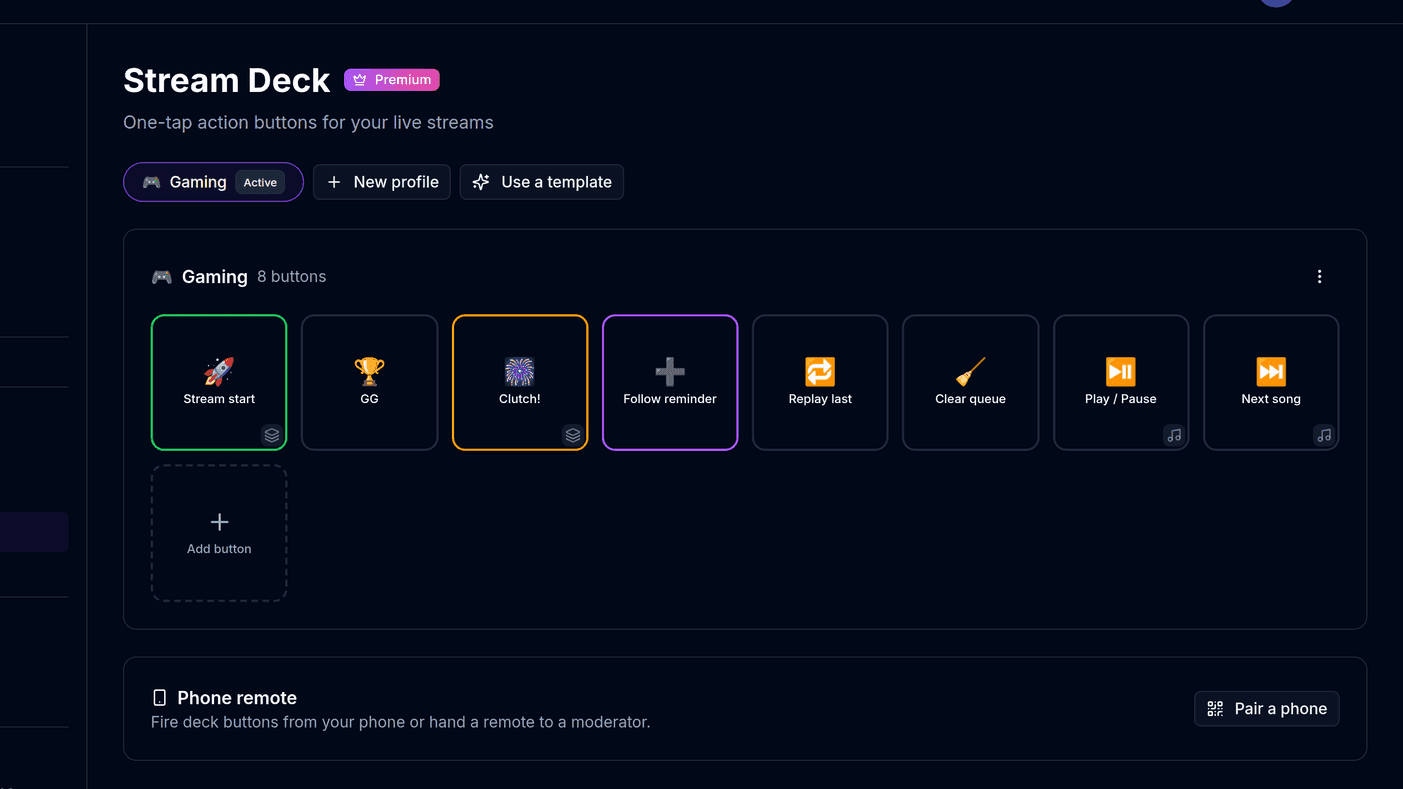
Everything you do mid-stream competes with the thing you are actually streaming. Alt-tabbing to skip a song, hide a source or play a sound costs you a few seconds of attention every time, and viewers can tell.
The Stream Deck collapses all of that into one tap. It is a grid of buttons you design, it lives in a dock inside BoTik, and it runs on your phone over a paired connection so you do not need a hand on the keyboard at all.
Note
The Stream Deck is a Premium feature. The 7-day trial does not ask for a card, so it costs nothing to find out whether you would use it.
Start from a template, not a blank grid
Buttons are grouped into profiles, and one profile is active at a time. A cooking stream and a gaming stream want completely different grids, and switching profiles swaps the whole set.
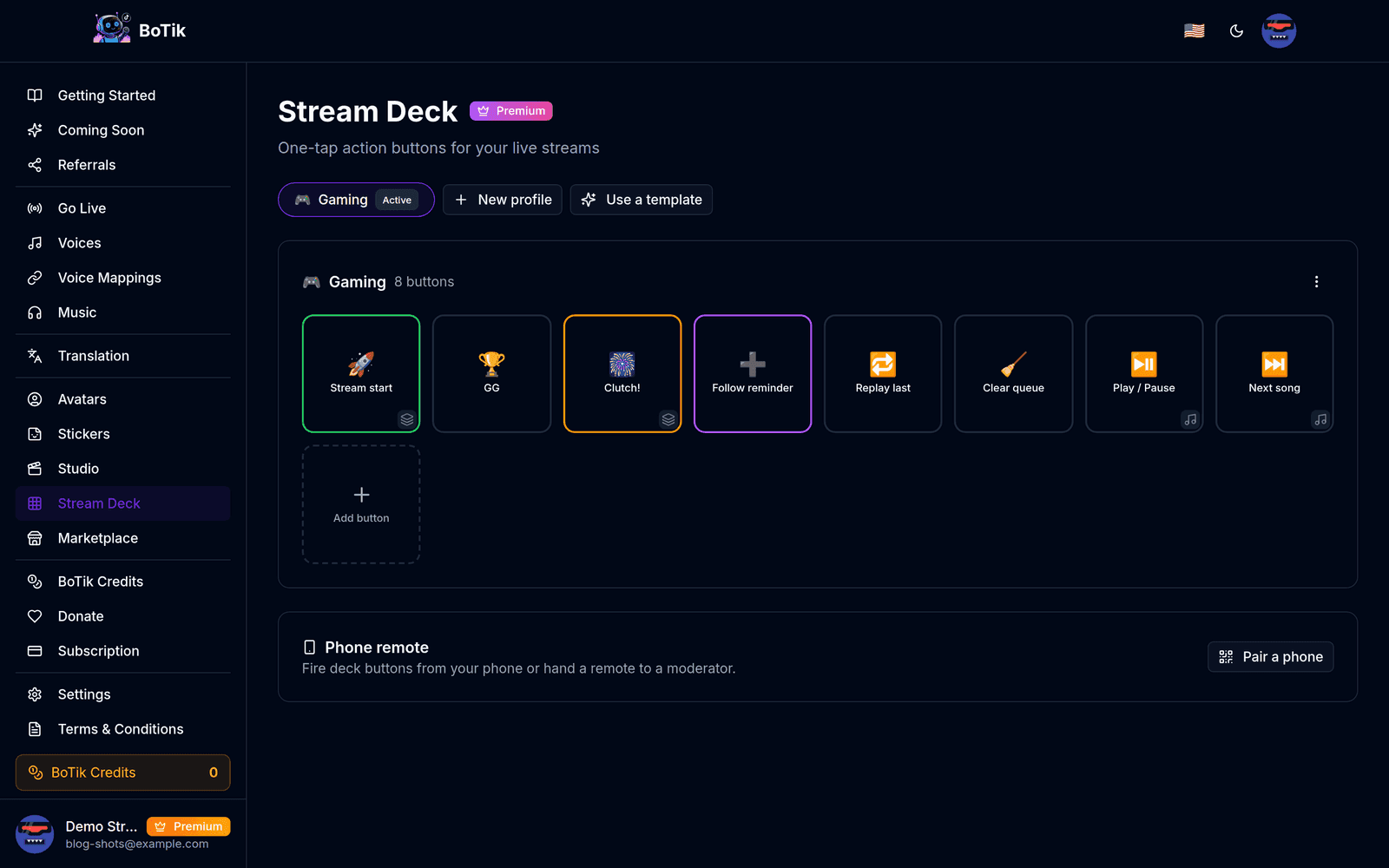
Use a template for your first profile. It gives you a working grid to react to, which is much easier than deciding what you want from nothing — then delete the buttons you never press.
What a button can do
A button holds a list of actions, not just one, and each step can carry a delay. That is what turns it from a shortcut into a macro: switch to the BRB scene, play a sting, and start a five-minute countdown from a single press.
| Action | What it does |
|---|---|
| Speak message | Reads a line of text aloud in a voice you choose. |
| Play sound | Plays a sound effect from your library. |
| TTS control | Replays the last message, or clears a runaway queue. |
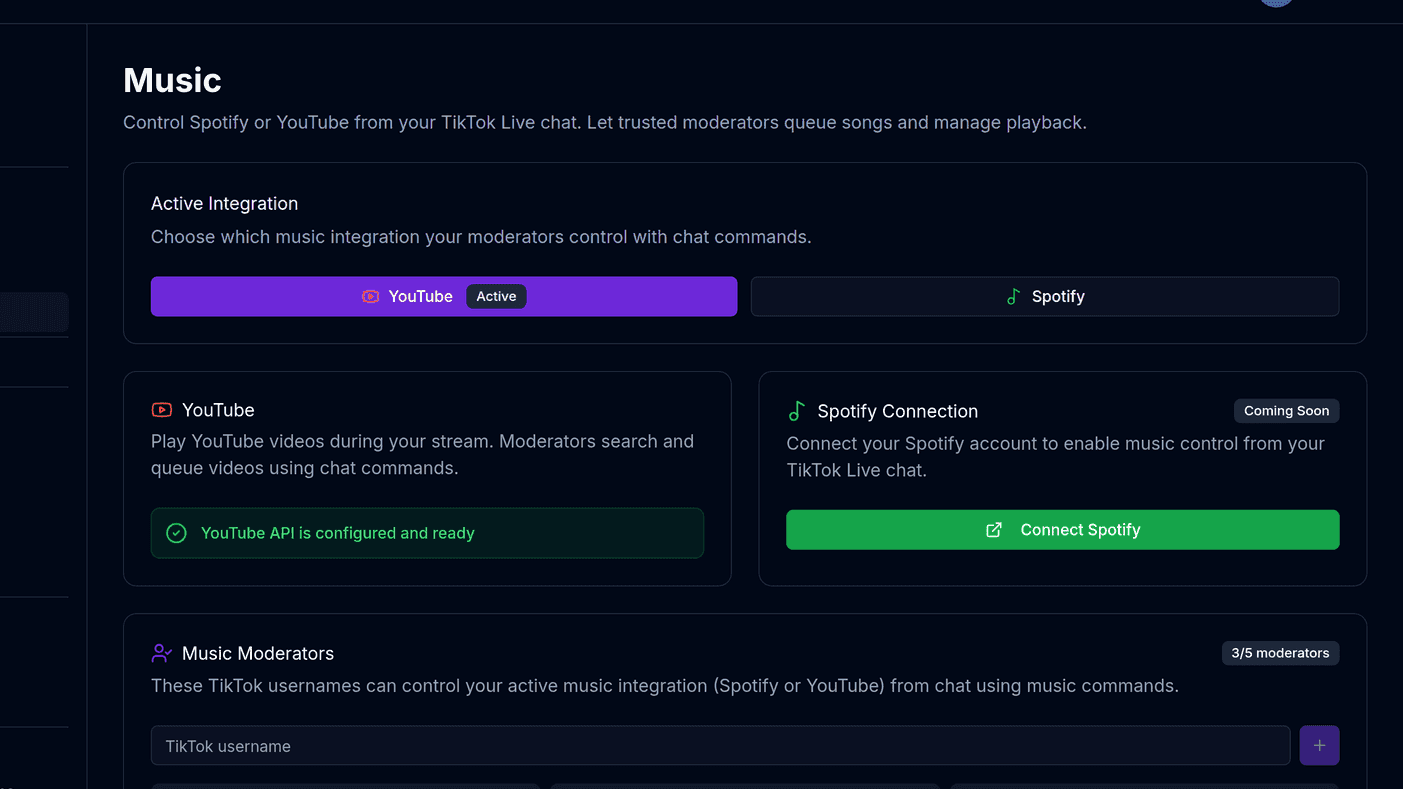
| Music control | Play/pause, next, previous. |
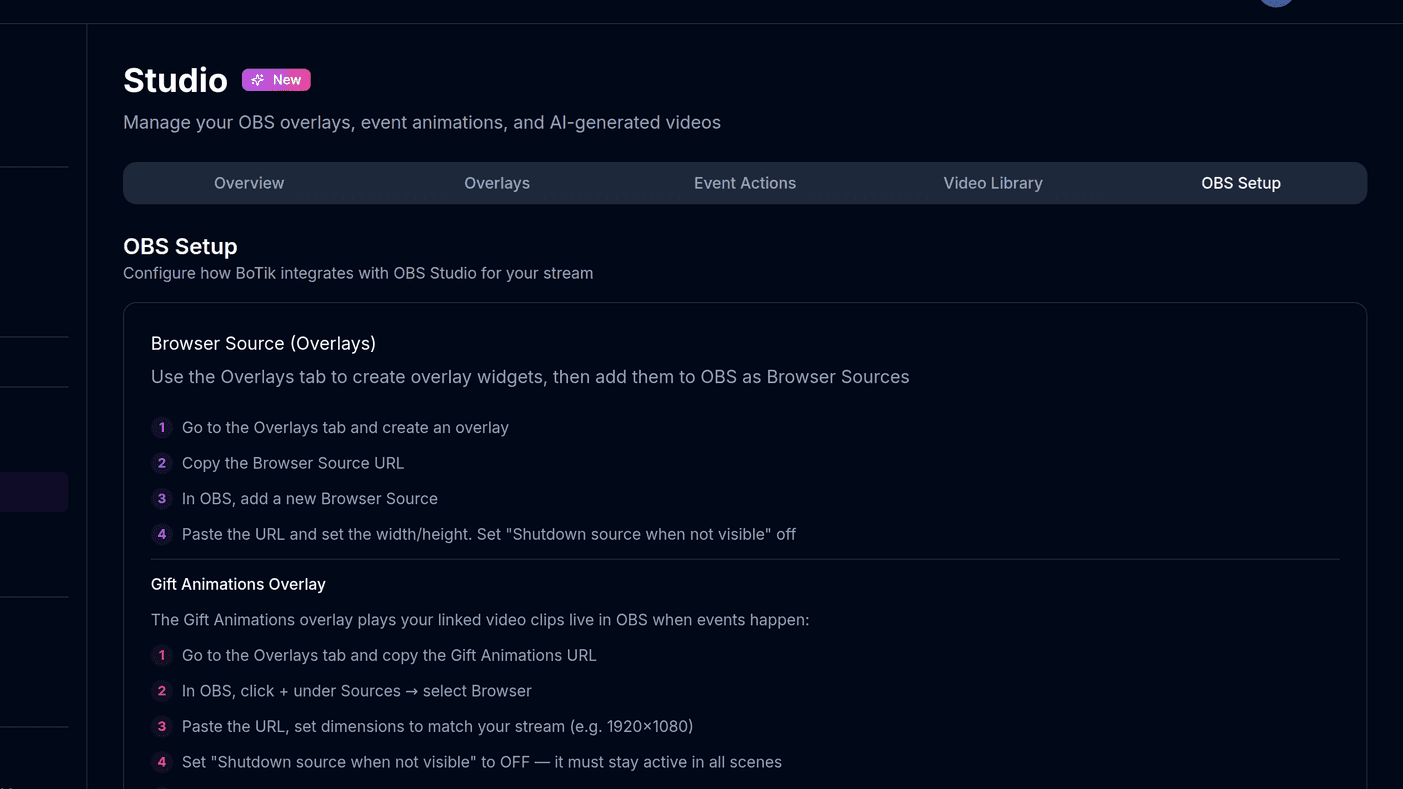
| OBS scene | Switches scenes. Needs the OBS WebSocket connection. |
| OBS source | Shows or hides a single source. |
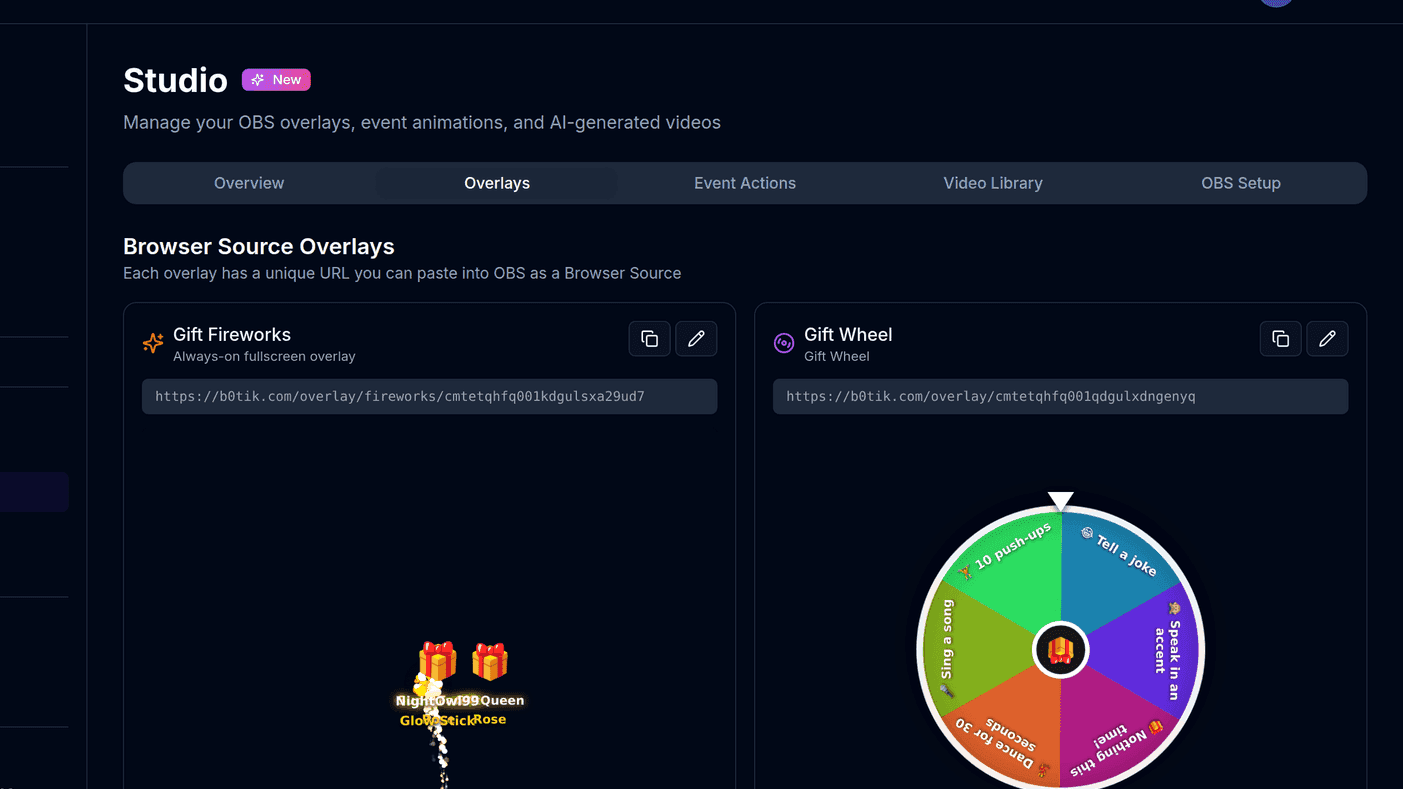
| Firework | Fires the celebration overlay. |
| Counter | Increase, decrease or reset a number shown on an overlay. |
| Timer | Starts a countdown or a stopwatch on the Deck Timer overlay. |
| AI line | Generates and speaks a joke, hype line, recap or shout-out. Costs 2 BoTik Credits per press. |
Tip
The AI line action can target *the top gifter*, *the top liker* or *the top chatter* rather than a fixed name. A shout-out that names the right person without you checking a leaderboard is worth more than a perfectly written one that names nobody.
Buttons that appear when they are useful
A grid of forty buttons is a grid you cannot use at speed. Visibility rules keep it small by showing each button only in the moment it applies.
- Always visible — the default.
- Only while connected to TikTok Live.
- Only while music is playing.
- Only while OBS is connected.
- For a few seconds after a gift — optionally a specific gift, or one above a diamond threshold.
- After a follow, a subscribe or a share.
The gift rule is the interesting one. A "thank you" button that appears for ten seconds after someone sends a Lion, and disappears again, means you never hunt for it and never press it by accident.
Note
Buttons whose dependency is offline are greyed out rather than hidden, with a badge saying what is missing — obs, music, tiktok or overlay. You can see why a button will not fire without pressing it.
Running it from your phone
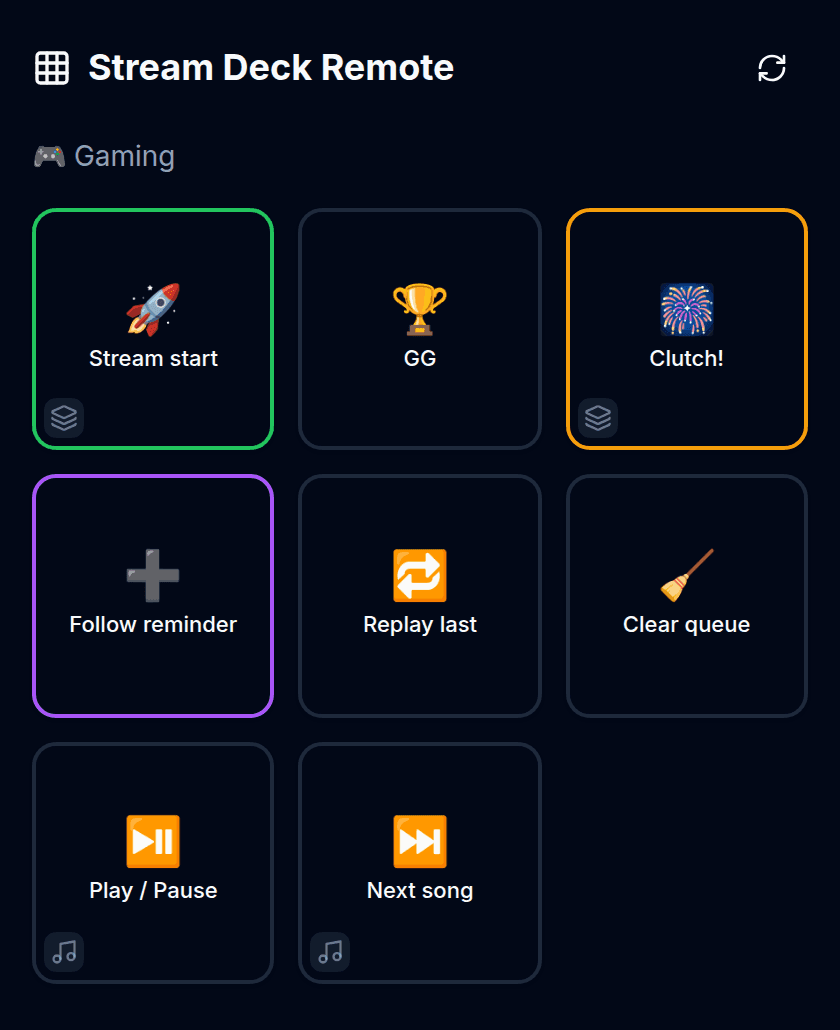
On the Stream Deck page, choose Pair a phone.
Scan the QR code with your phone. The code is single-use and expires within minutes.
The phone opens the remote and shows your active profile.
Switching profiles on your PC switches the phone too.
Hand a paired phone to a friend if you want.
Mark sensitive buttons owner-only first — those are hidden from guest remotes. Any pairing can be revoked from the list on the deck page.
Watch out
The remote talks to the BoTik tab on your PC. If that tab is closed the phone shows "BoTik is not open on your PC" — the remote is a controller, not a second copy of the app.
Hands-free: “Hey BoTik”
If both hands are busy, the deck has a voice bar. Hold to talk, or opt into the Hey BoTik wake word and skip the holding.
Built-in commands cover next song, previous song, play, pause, clear the queue, replay the last message and play a specific song — and you can trigger any button by saying its label.
Wake-word detection runs in your browser
Audio is analysed on your own machine and never uploaded. Sensitivity is adjustable — start on medium and lower it if your own speech keeps triggering it.
Where it sits while you stream
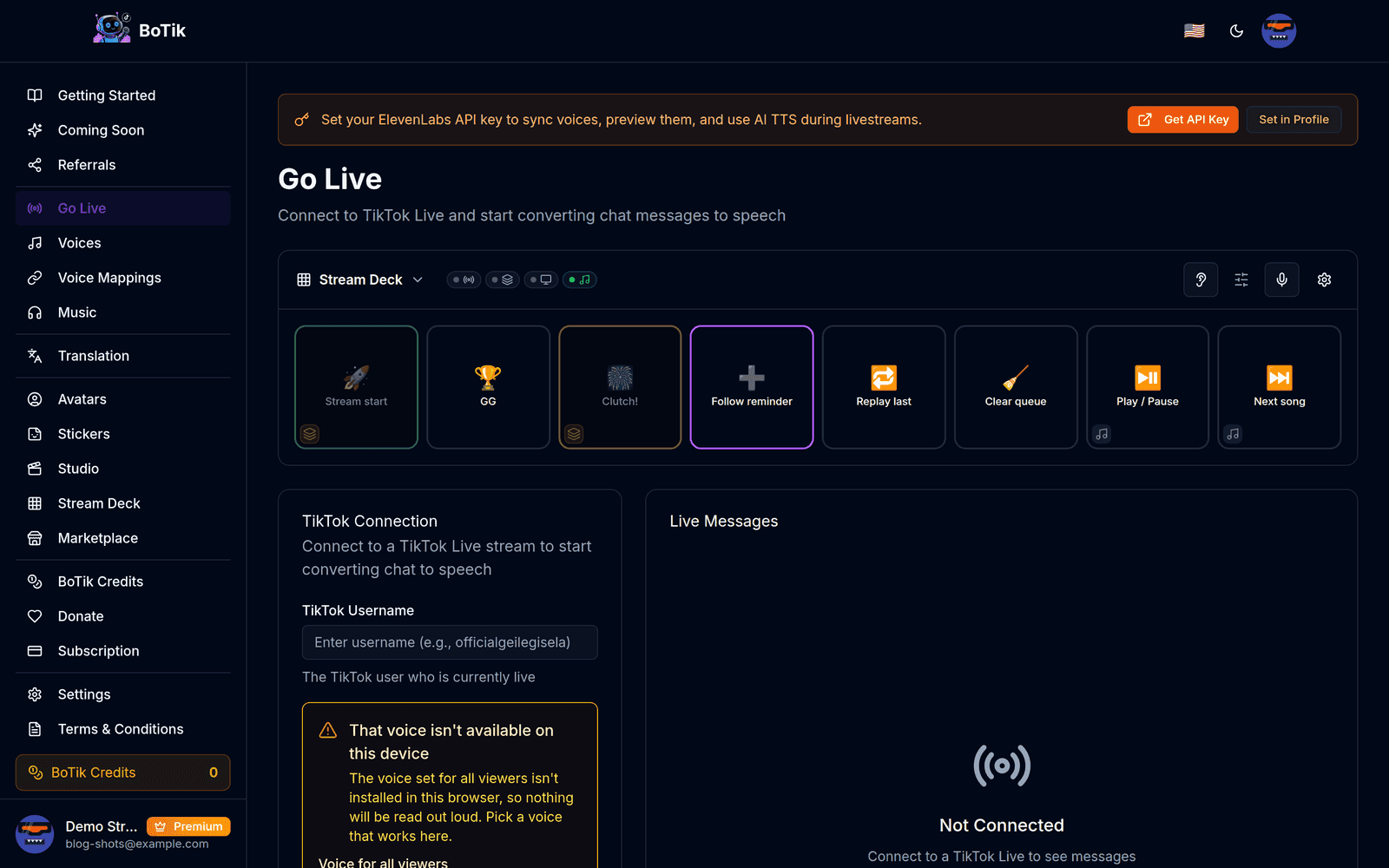
A compact dock sits on the Go Live page so the grid is in reach on the screen you already have open. Pair it with overlays for the counters and timers your buttons drive, and with OBS connected for the scene actions.