Keeping text-to-speech spam-free on TikTok Live
Practical moderation settings for streams that read chat aloud — cooldowns, rate limits, filters, and what to do when a raid arrives.
 BoTik Team2 min readUpdated August 29, 2026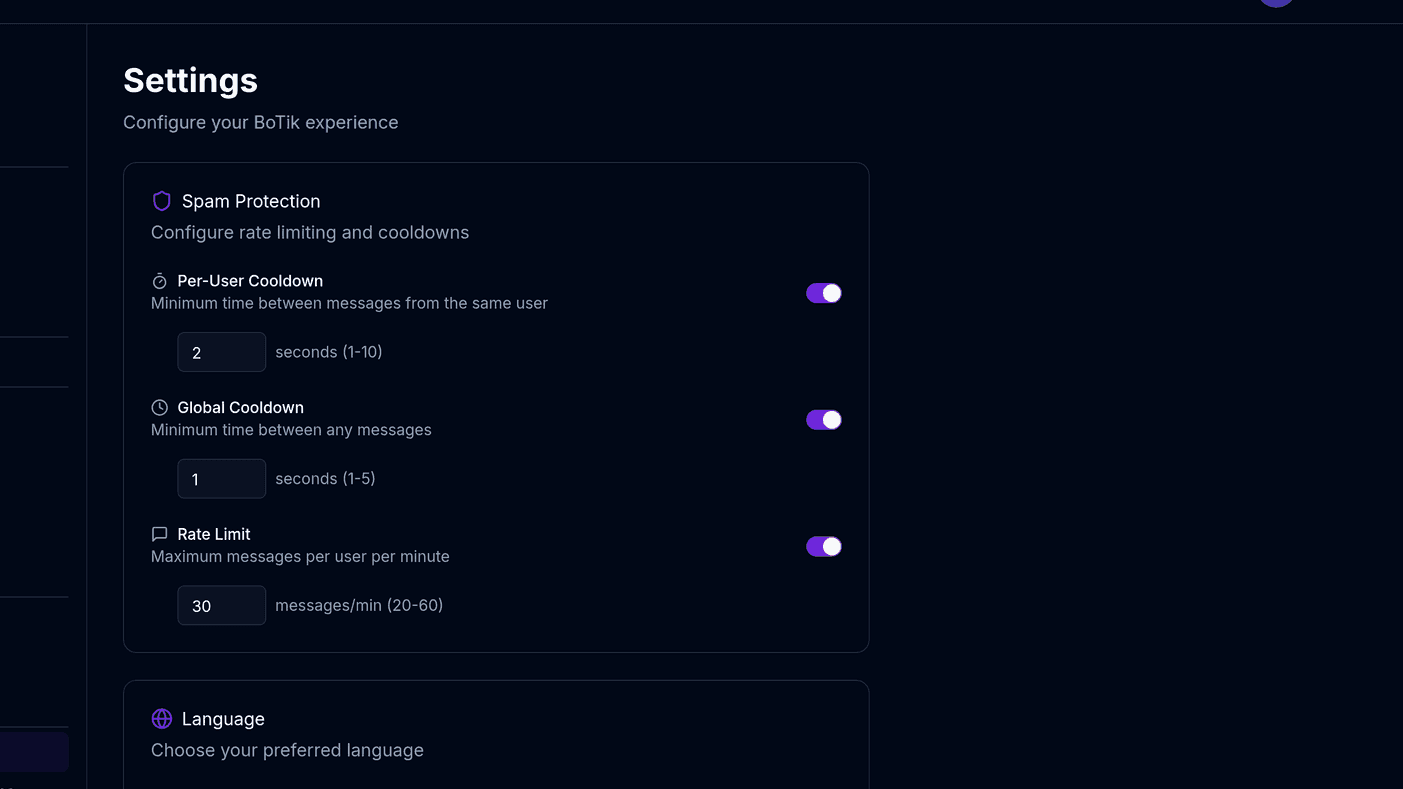
Text-to-speech changes the stakes of moderation. A message that would scroll past unnoticed in a text chat gets read aloud to everyone watching. Anything you would not say on stream yourself needs to be caught before it is spoken — not reported afterwards.
The three limits that do most of the work
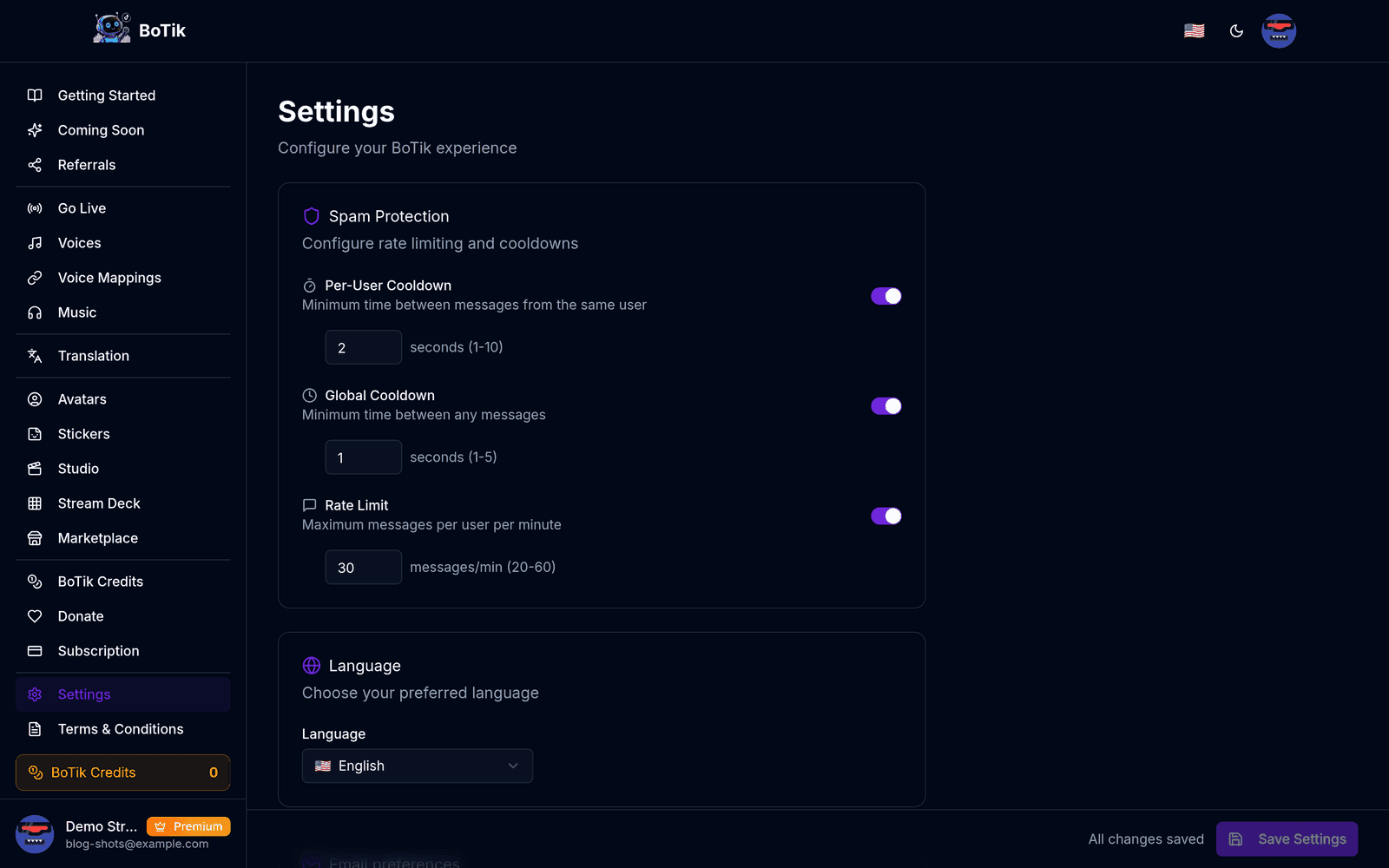
Per-user cooldown
A minimum gap between messages from the same viewer. This alone stops the most common form of TTS abuse, which is one person spamming to hold the audio channel. Start around 10–15 seconds.
Global rate limit
A ceiling on messages per minute across everyone. This is what protects you during a sudden influx, and it is the one people only set after their first raid.
Message length cap
Long messages are both tedious to listen to and the usual vehicle for abuse — nobody writes 400 characters of goodwill.
Word filters
Maintain a blocklist of words that are never spoken. Include the obvious slurs, but also add two categories people forget:
- Terms specific to your community that have been weaponised — every channel has a few, and a generic list will not have them.
- Phrasing that sounds like an announcement from you rather than from a viewer. Impersonation is easy when everything is read in the same voice.
Per-viewer voices are a moderation tool
When a specific username always sounds the same, an impersonation attempt is immediately audible as coming from the wrong voice. See voice mapping for how the precedence works.
Surviving a raid
The mistake is deciding what to do while it is happening. Decide now:
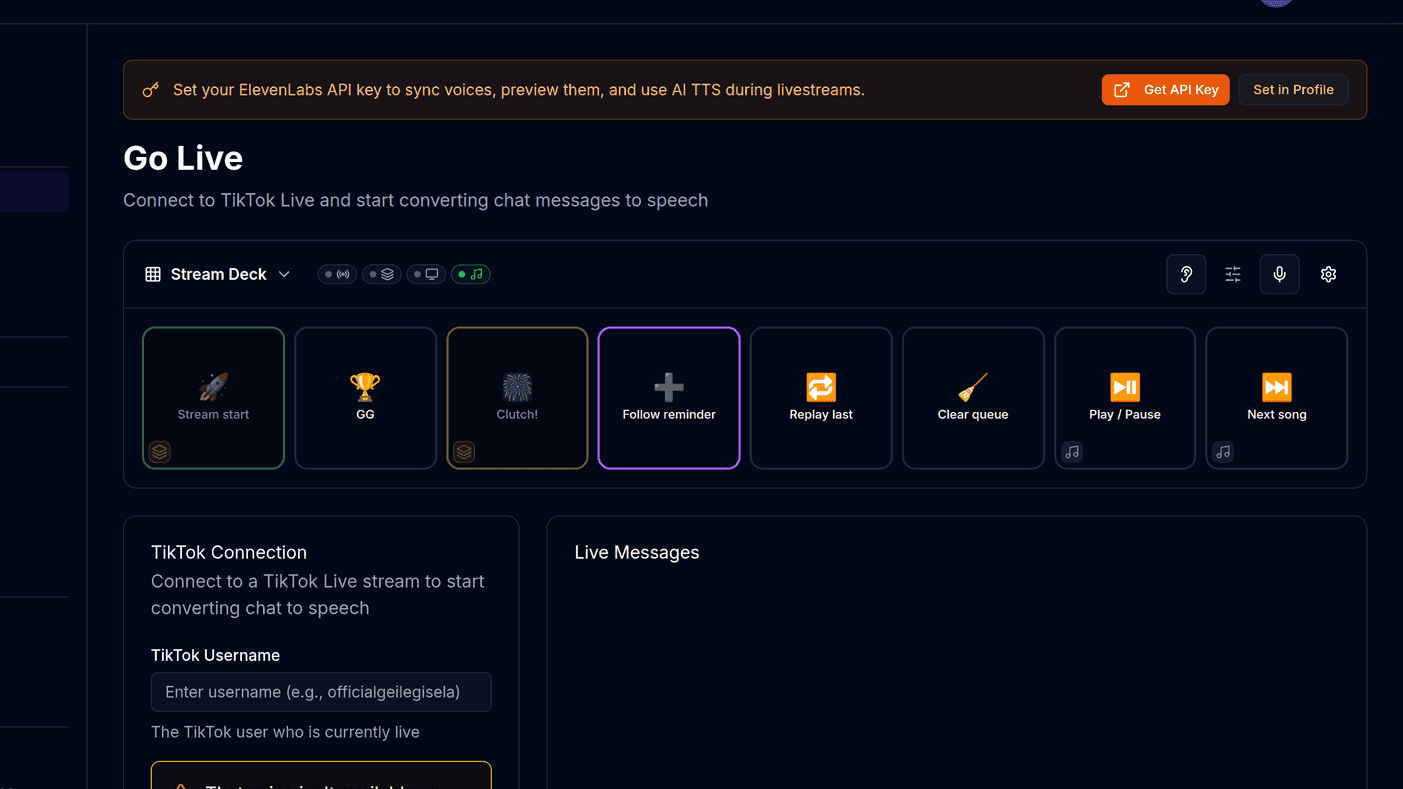
- Know where the mute is before you need it. A way to silence TTS instantly without ending the stream. A Stream Deck button that clears the queue is the fastest version of this.
- Tighten the global rate limit rather than turning speech off entirely. You keep the feature while cutting the volume to something you can hear over.
- Restrict speech to followers or subscribers temporarily if the influx is actively hostile.
Watch out
Turning TTS off completely during a raid is the option that feels safest and costs the most — the raid ends, and so does the reason your regulars were talking. Throttle first.
Give your moderators a role you can hear
Assigning a distinct default voice to moderators makes their messages instantly recognisable, which matters when they are trying to reach you during a busy moment. It also means viewers can hear that a correction came from a moderator rather than from a random account.
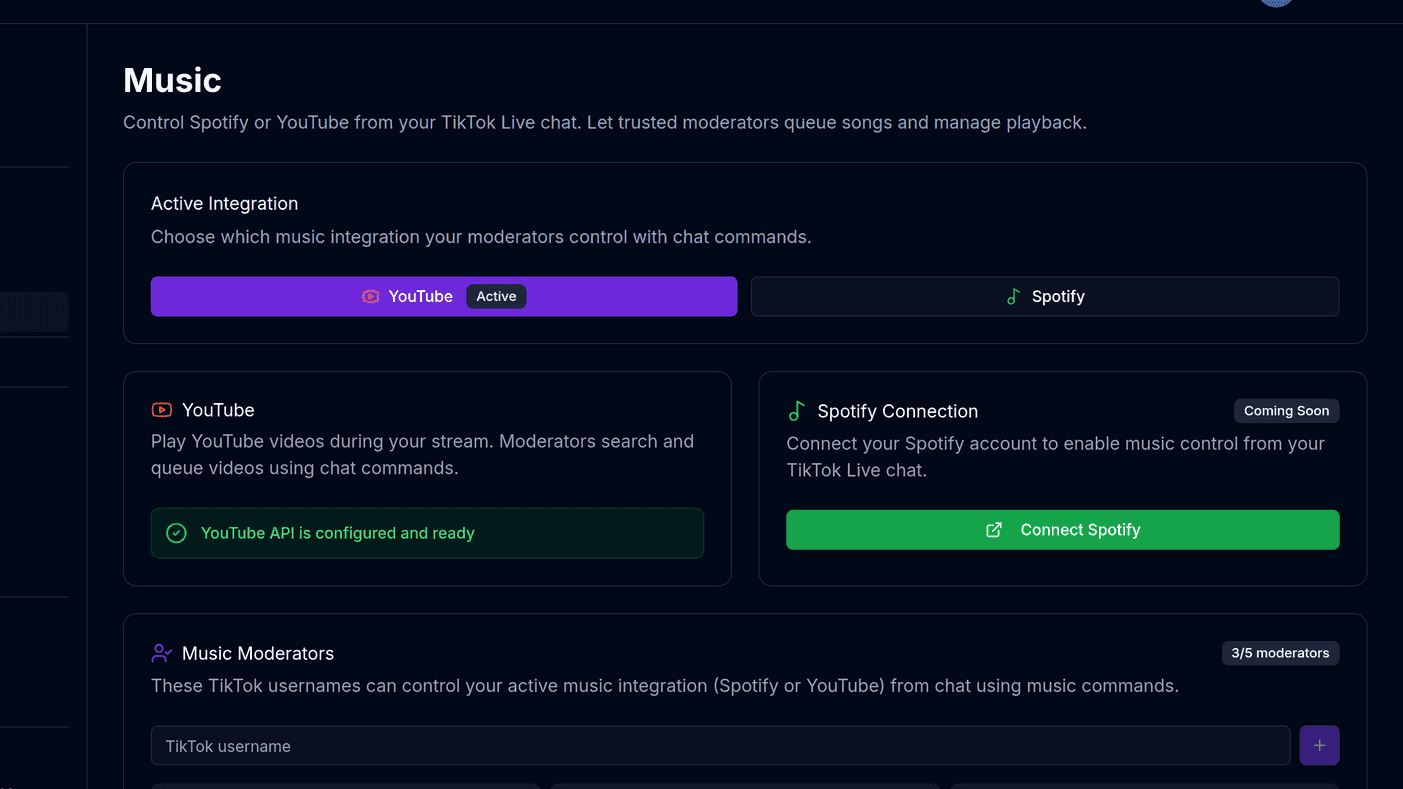
The same logic applies to anything else you delegate. If you let chat control the music, music moderators are capped at five for exactly this reason — a permission you cannot audit is a permission you should not hand out widely.