How to create AI avatars and sticker packs in BoTik
Generate a character avatar in nine styles, then turn it into a sticker pack of expressions. Styles, credit costs, quotas and how to get a usable result first time.
 BoTik Team3 min read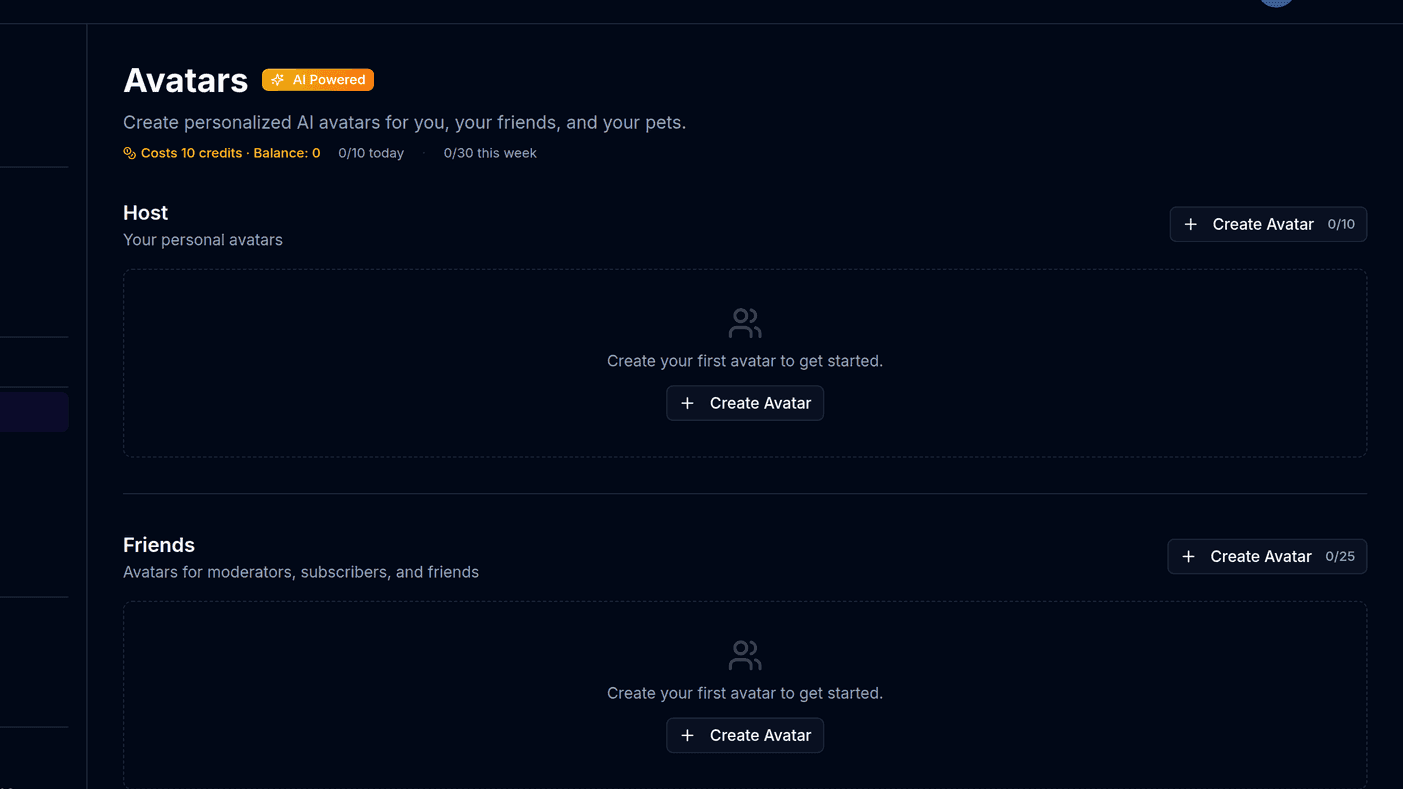
A recognisable character does more for a channel than a good thumbnail. It goes on your overlays, your profile, your Discord and your sticker pack, and it does not need commissioning or a design brief.
BoTik generates avatars from either a photo or a description, and then slices a whole sticker pack of expressions out of one of them.
Creating an avatar
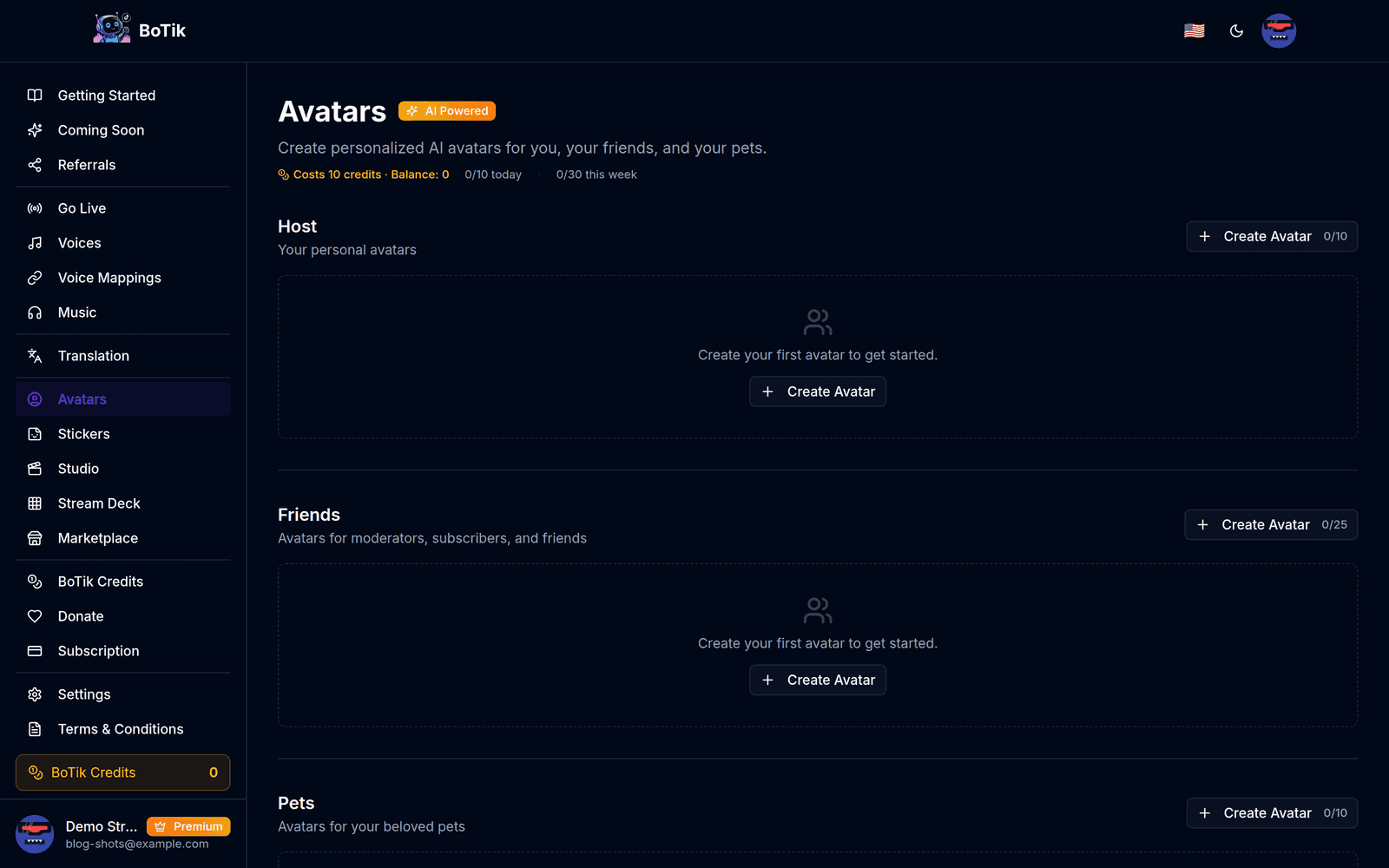
Press Create Avatar and give it a name.
The name is how you will pick it later in the sticker generator, so use the character’s name rather than “avatar 1”.
Choose a generation method.
Upload a photo (10 MB maximum — the original is not stored), or describe a character in at least ten characters of text.
Pick a style.
Kawaii Cartoon, Anime/Manga, Chibi, 3D Pixar Style, Comic Book/Superhero, Fantasy Character, Illustrated Portrait, Pixel Art or Sticker Style.
Generate and wait.
Generation is asynchronous — the card shows its progress and flips to ready when it is done. A failure offers a retry and refunds the credits automatically.
Describe the character, not the picture
“A tired barista with green hair and a chipped mug” beats “a cool avatar, high quality, 4k”. Style keywords are already handled by the style you picked, so spend your words on things that make the character identifiable.
Watch out
Requests that look like a real public figure are refused by the image model. If a generation keeps failing on a description of a person, that is usually why — describe features rather than naming someone.
Turning it into a sticker pack
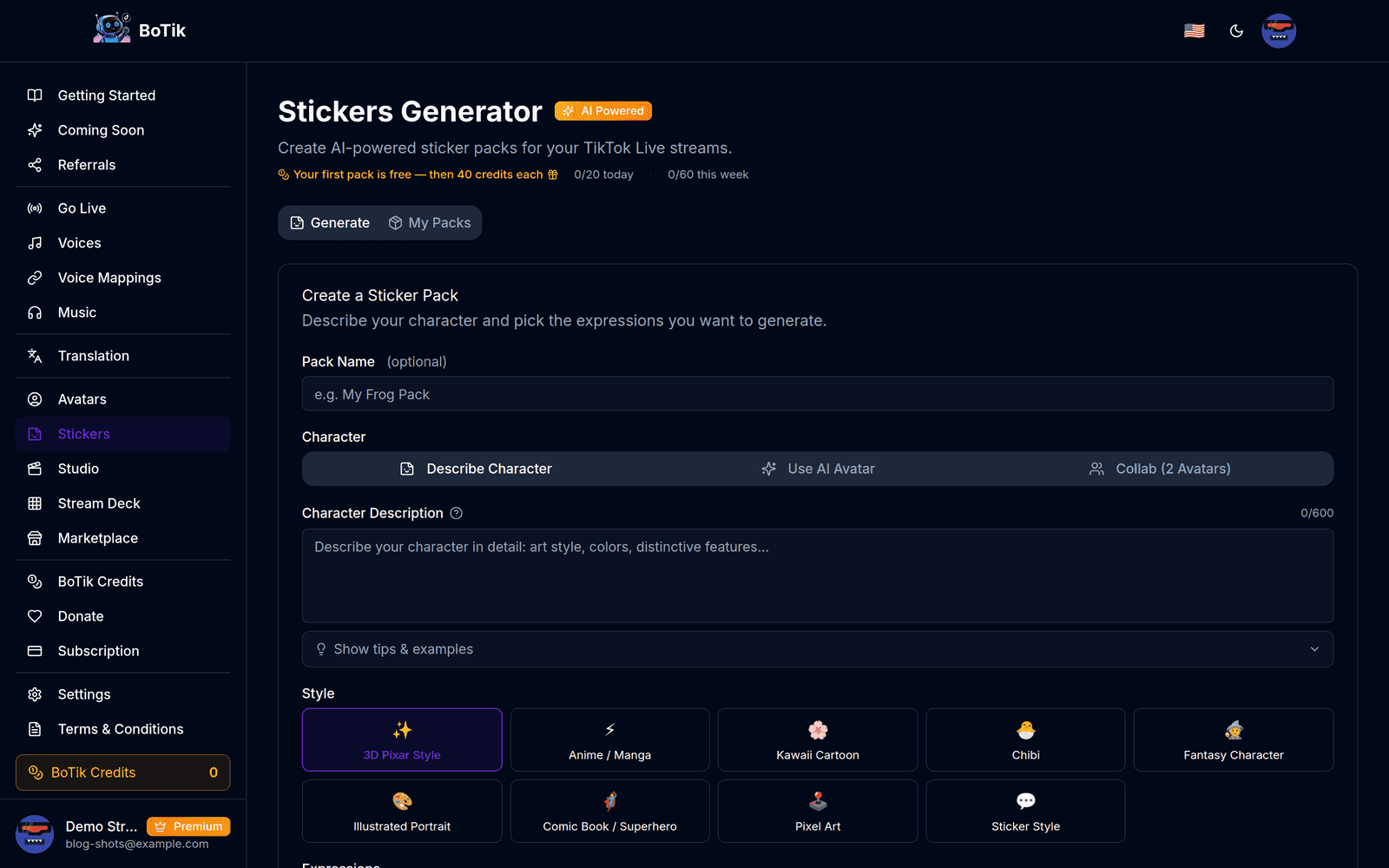
Stickers are generated as one sheet and then sliced into individual transparent 512 × 512 PNGs. You pick between 2 and 24 expressions per pack.
- Describe Character — a fresh character from up to 600 characters of text.
- Use AI Avatar — reuse an avatar you already generated, so the pack matches your existing art.
- Collab (2 Avatars) — two characters interacting, with activity categories for Friendship, Activities, Hype & Celebrations, and Funny & Meme.
Tip
Pick fewer, stronger expressions. A pack of six that people actually send beats a pack of twenty-four where four get used — and it costs the same either way, so use the budget on getting the character right instead.
What it costs
| Credits | Daily cap | Weekly cap | |
|---|---|---|---|
| Avatar | 10 | 3 | 10 |
| Sticker pack | 40 | — | — |
BoTik Credits are worth 1 cent each — 100 credits to the dollar. So an avatar is 10 cents of credit and a sticker pack is 40. The caps exist to stop a runaway loop draining a balance, not to ration ordinary use.
Note
Failed generations are refunded automatically. You are never charged for an image you did not get.
If you would rather not buy credits, Premium grants 500 every month and referrals pay out in credits too — see how to earn BoTik Credits. Once you have art, the obvious place to put it is on your stream overlays.