What is ElevenLabs, and how do you connect it to BoTik?
ElevenLabs is the AI voice engine behind BoTik’s best-sounding voices. How to create an API key, avoid the mistake that breaks it, and sync your voices.
 BoTik Team4 min read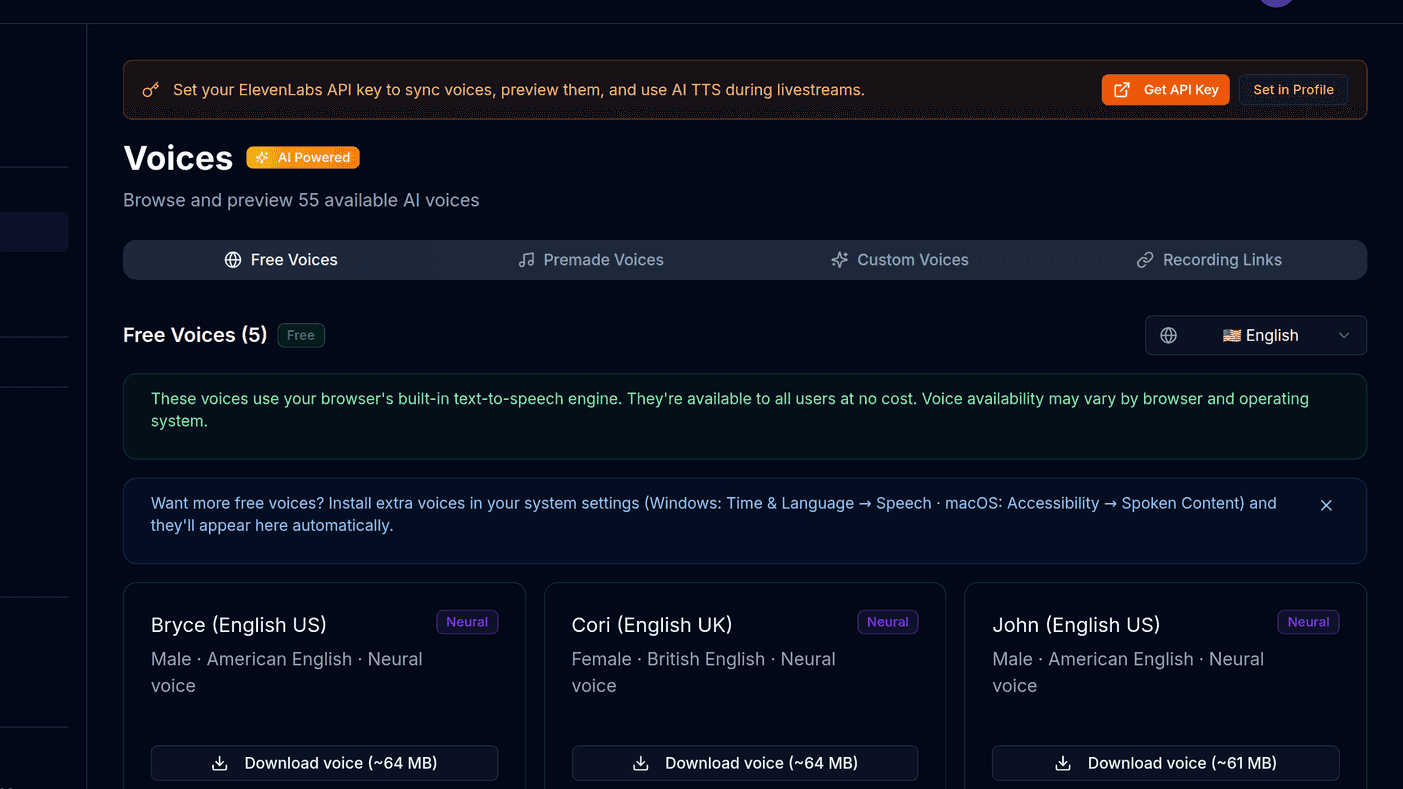
ElevenLabs is an AI speech company. Their voices are the reason a message read out on stream can sound like a person rather than a satnav — and they are the only way to have chat read back in a clone of your own voice.
BoTik does not resell them. You bring your own ElevenLabs account and your own key, which means you see their real usage numbers and never pay a markup.
Do you actually need it?
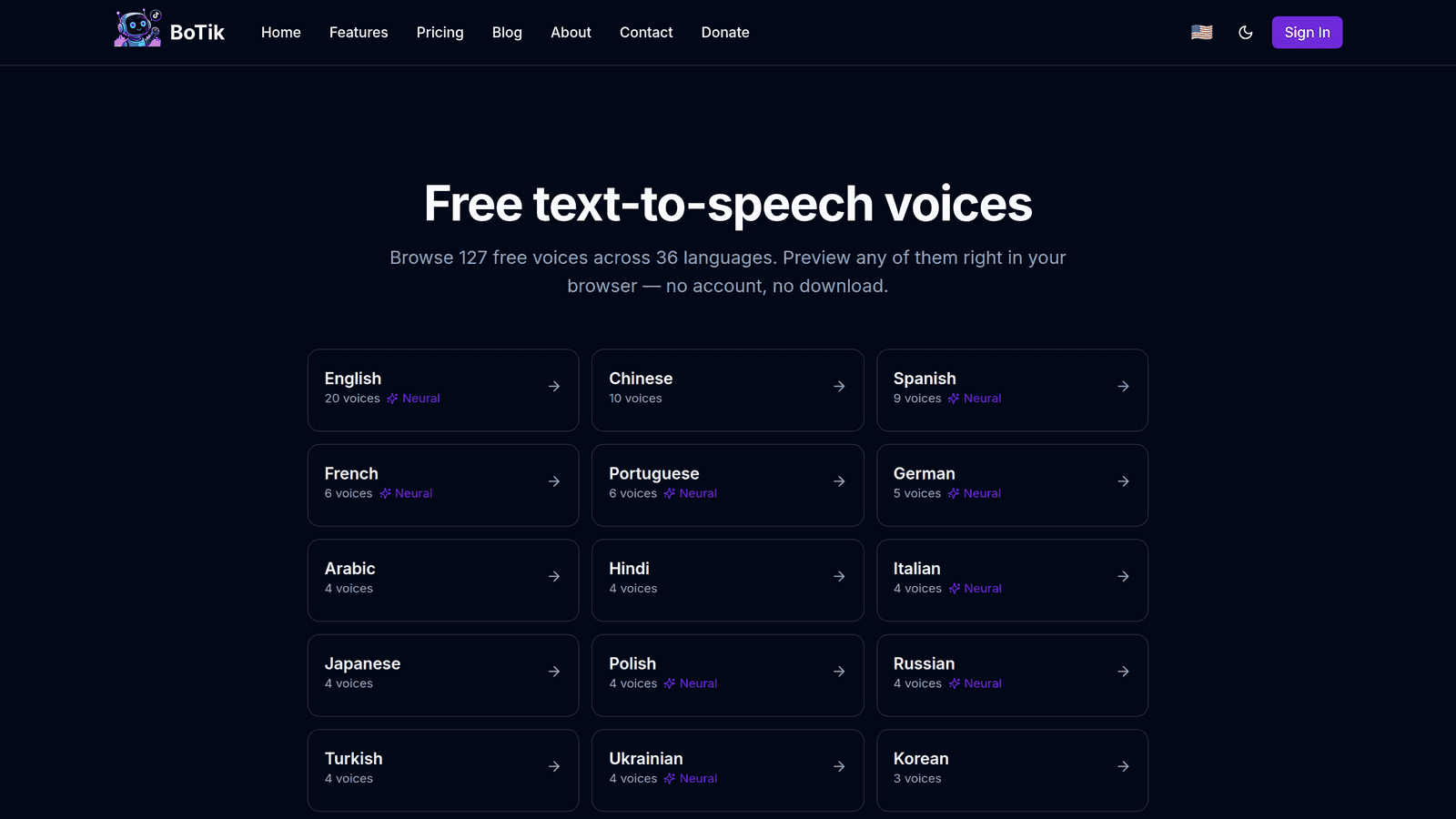
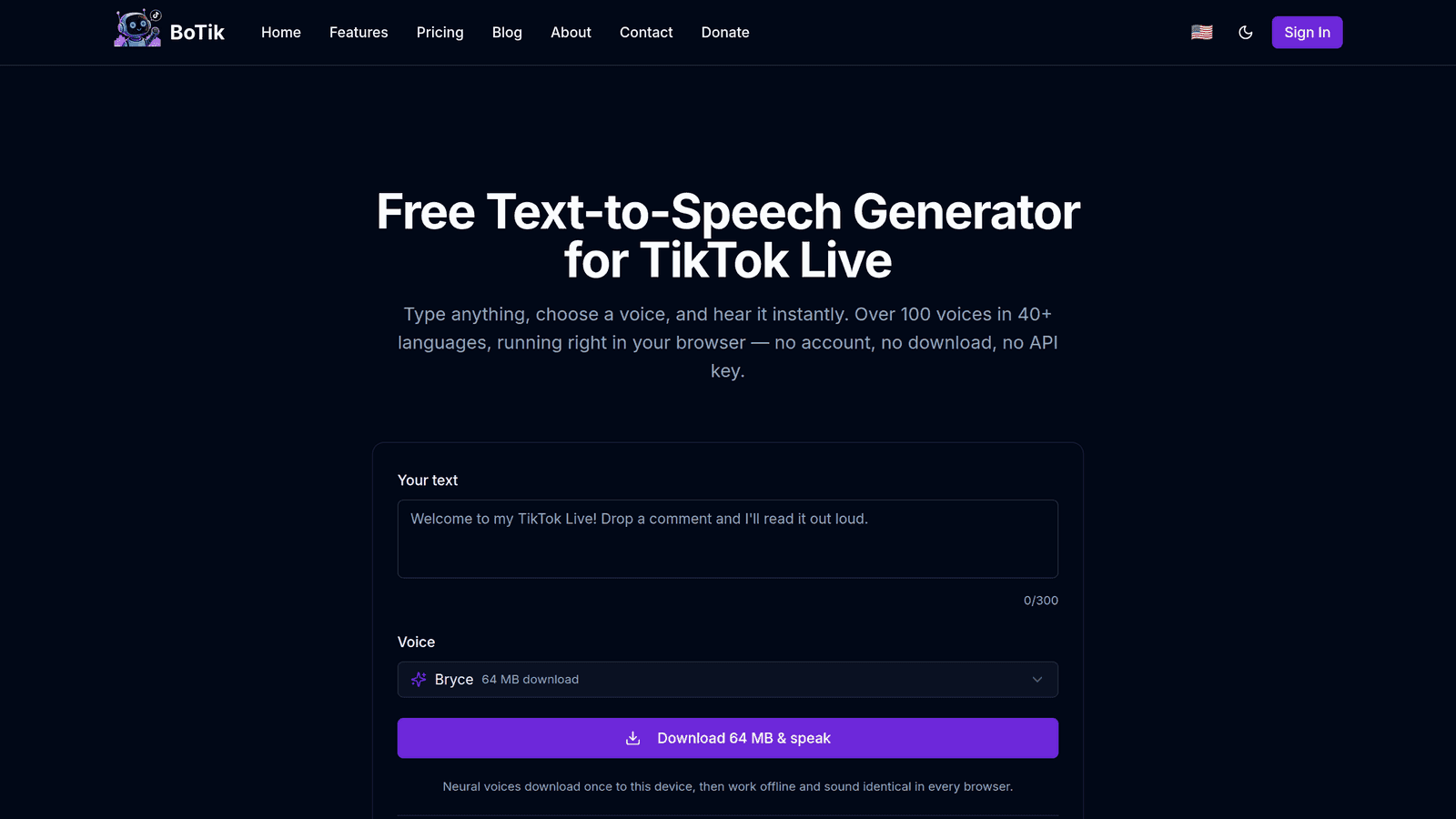
No — BoTik works out of the box with free voices generated on your own device, and for a lot of streams that is enough. Connect ElevenLabs when you want something the free voices structurally cannot do:
- Your own cloned voice reading chat, so the stream still sounds like you while you are mid-sentence.
- The same voice on every device. Free voices come from the operating system, so your phone and your streaming PC have different lists.
- Languages your machine does not ship, which matters the moment you get international viewers.
- Voices with actual character — the free ones are built for accessibility, not entertainment.
Note
ElevenLabs has a free tier: 10,000 characters a month, no card required. That is roughly a few hundred chat messages — enough to hear the difference on a real stream before deciding.
Creating your API key
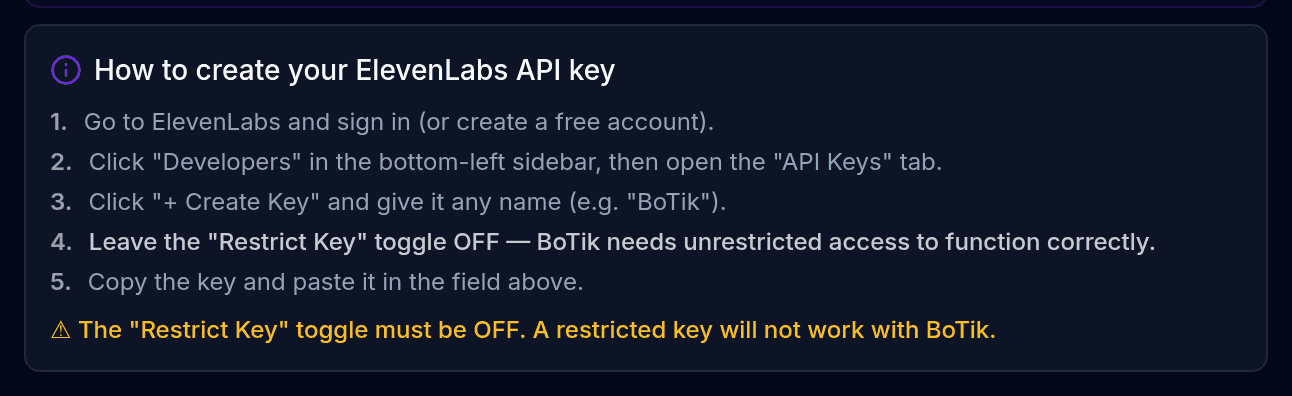
Sign in at elevenlabs.io, or create a free account.
Open Developers → API Keys from the sidebar.
It is under the developer section, not under account settings.
Click + Create Key and name it something you will recognise, like “BoTik”.
Leave “Restrict Key” OFF.
A restricted key cannot list or use your voices, and BoTik will report it as invalid with no further explanation. This is the single most common reason a correctly-copied key does not work.
Copy the key immediately.
ElevenLabs shows it once. If you lose it, delete that key and create another — there is no way to read it back.
Restrict Key must stay off
If you take one thing from this guide, take this. Every other field on that dialog can be left alone.
Adding the key to BoTik
Open Profile → API Keys, paste the key and save. BoTik validates it straight away, so a bad key fails here rather than silently mid-stream.
Syncing your voices
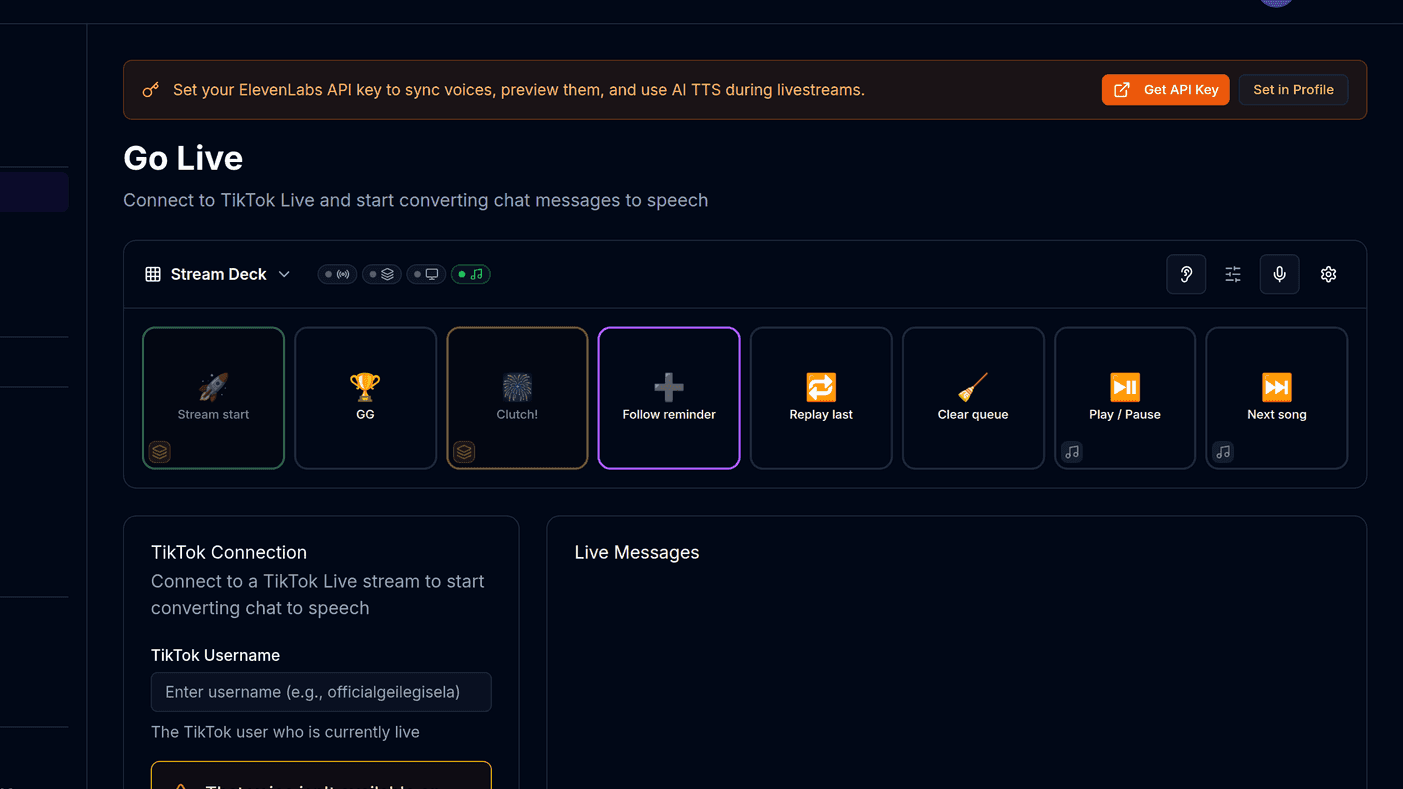
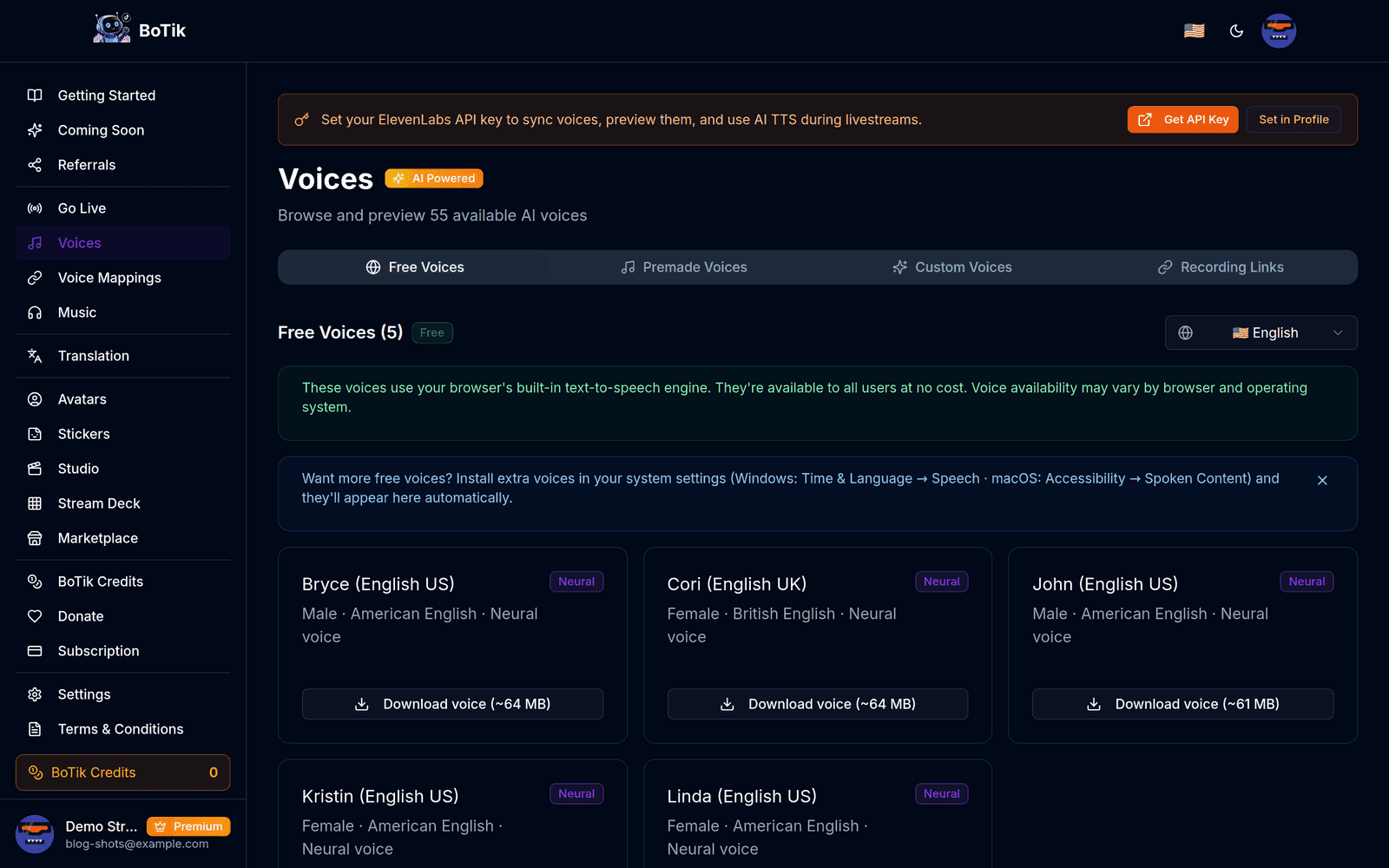
With a key saved, the Sync Voices button on the Voices page imports everything your ElevenLabs account can reach — their premade catalogue plus any voice you have cloned or designed yourself.
Watch out
Sync is a mirror, not a merge. A voice you delete on ElevenLabs is removed from BoTik on the next sync — and so is every viewer mapping that pointed at it. Delete voices on ElevenLabs with that in mind.
Giving specific viewers specific voices
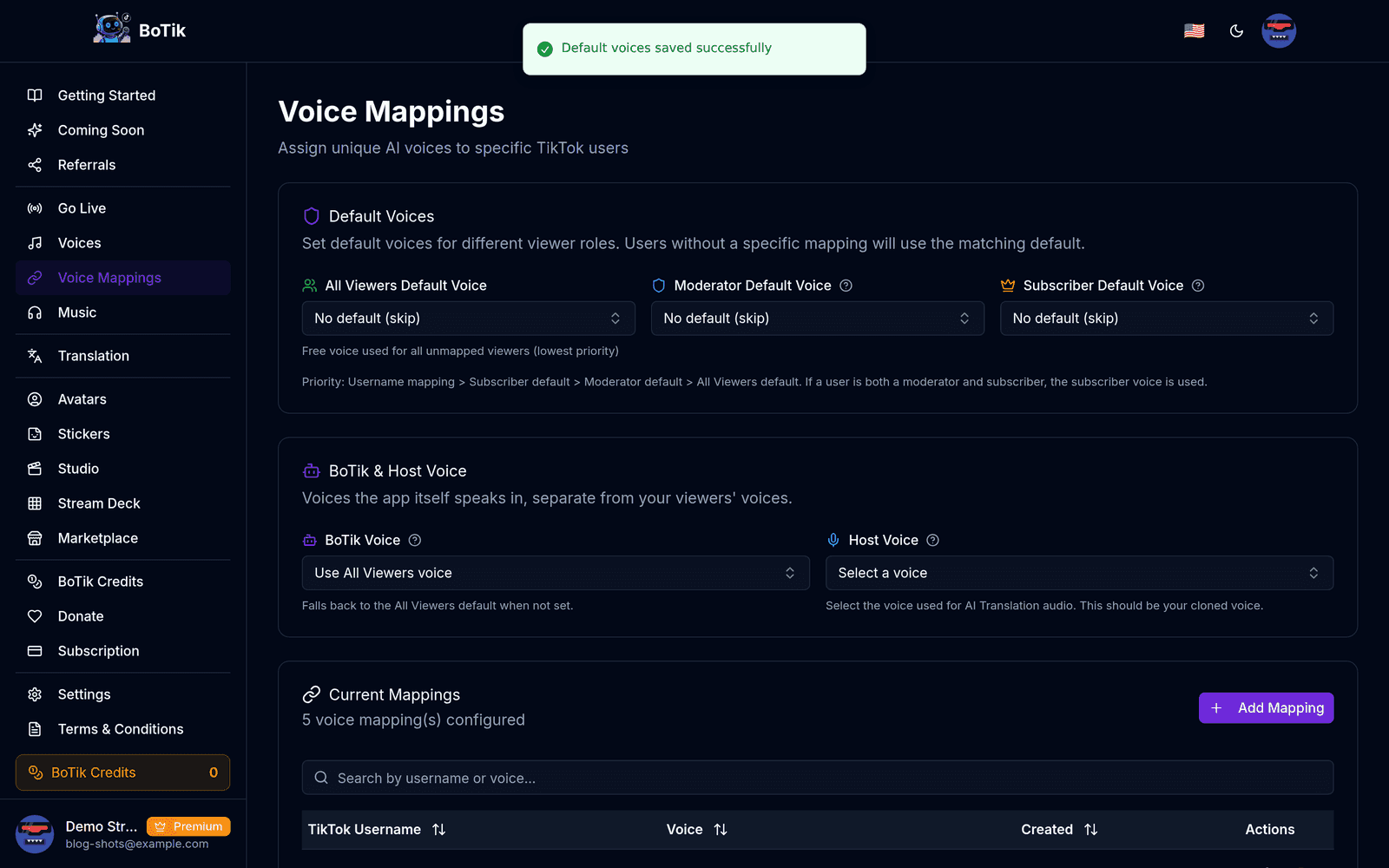
This is where the money goes furthest. Rather than paying for every message in a premium voice, assign the good voices to the handful of people who talk most.
Which voice a message gets — first match wins
Username mapping
this exact viewer
Subscriber default
Moderator default
All-viewers default
Keeping the bill sane
- ElevenLabs charges per character, so cost scales with how busy your chat is, not with how long you stream.
- Set a message length limit in BoTik’s settings. Long messages are both expensive and tedious to listen to.
- Use a per-user cooldown so one enthusiastic viewer cannot burn a month of quota in an hour.
- Keep the free browser voices as your all-viewers default and reserve ElevenLabs for mapped regulars and moderators.
That hybrid setup is the one most streamers land on, and it is covered in more detail in choosing a TikTok Live TTS setup. If you are not ready to pay for anything yet, the best free TTS voices for streaming covers how to get more out of what you already have.